
What type of loan are you looking for?
Checking your rate will not impact your credit score.
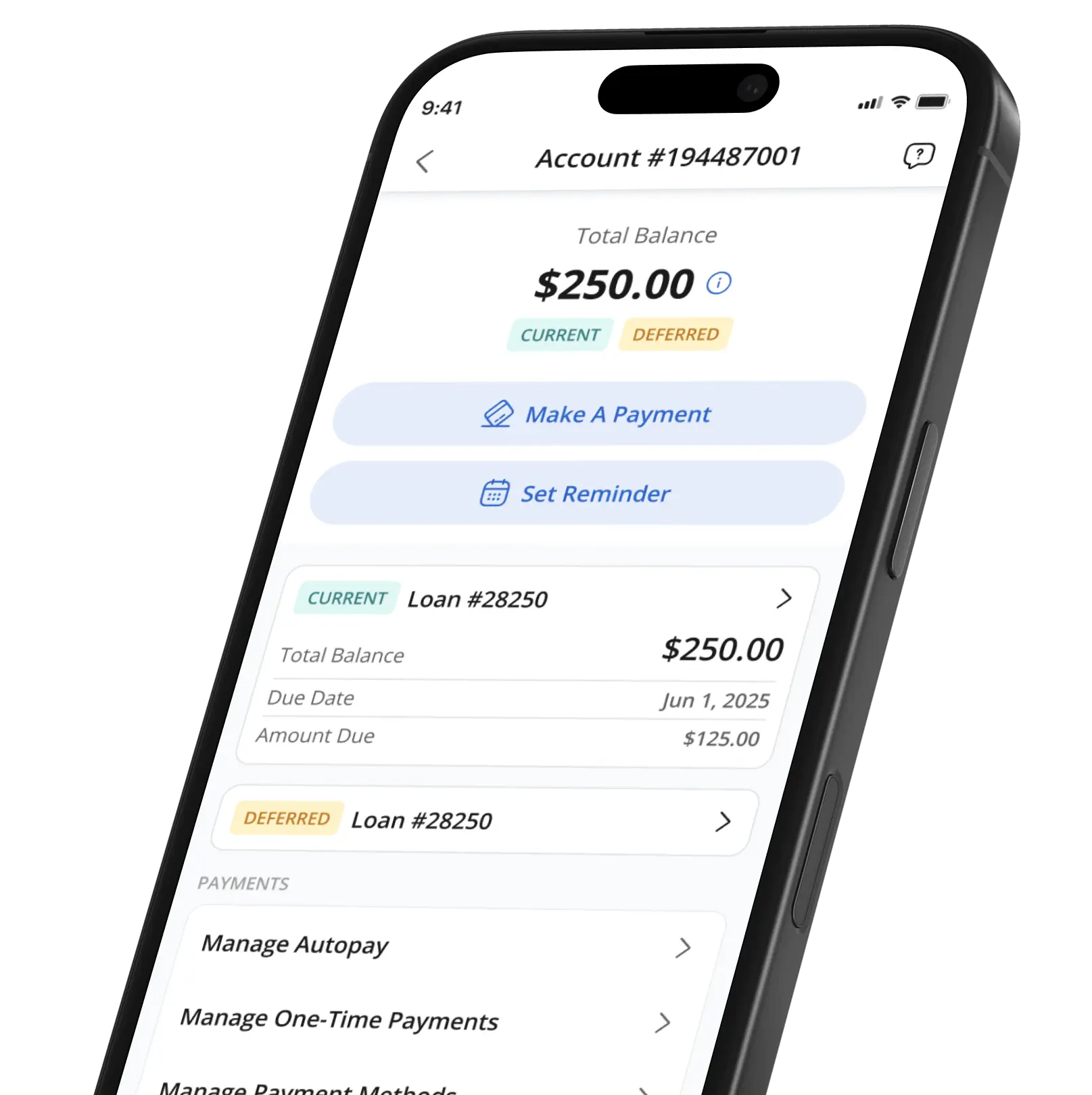
See your loan balance and update billing information
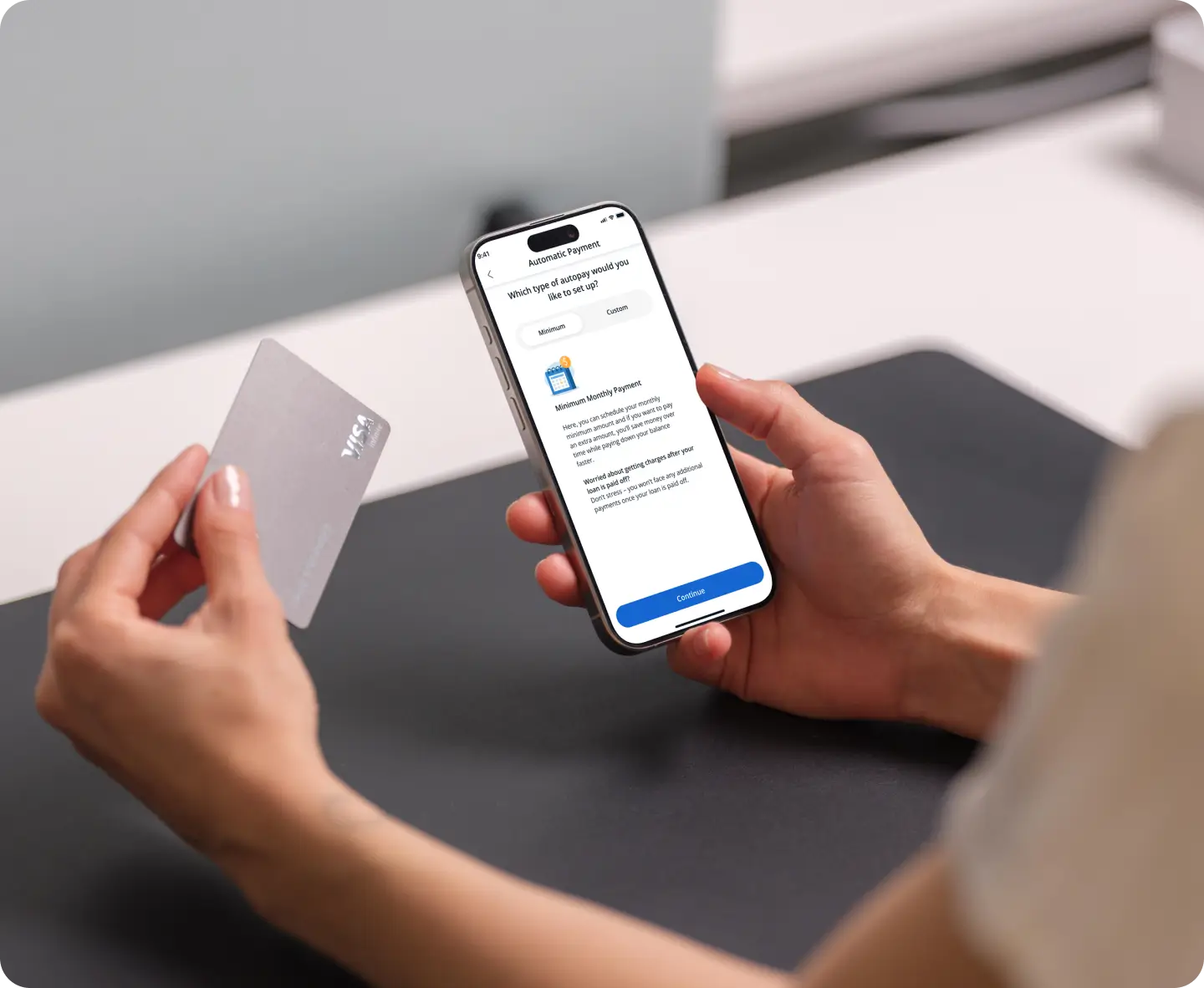
Make payments and set up autopay to save money
Start a new loan application, or continue an existing one
Make a payment, set up autopay, and stay updated on your latest loan balance with the AscentConnect app for Android or iOS.
Download the App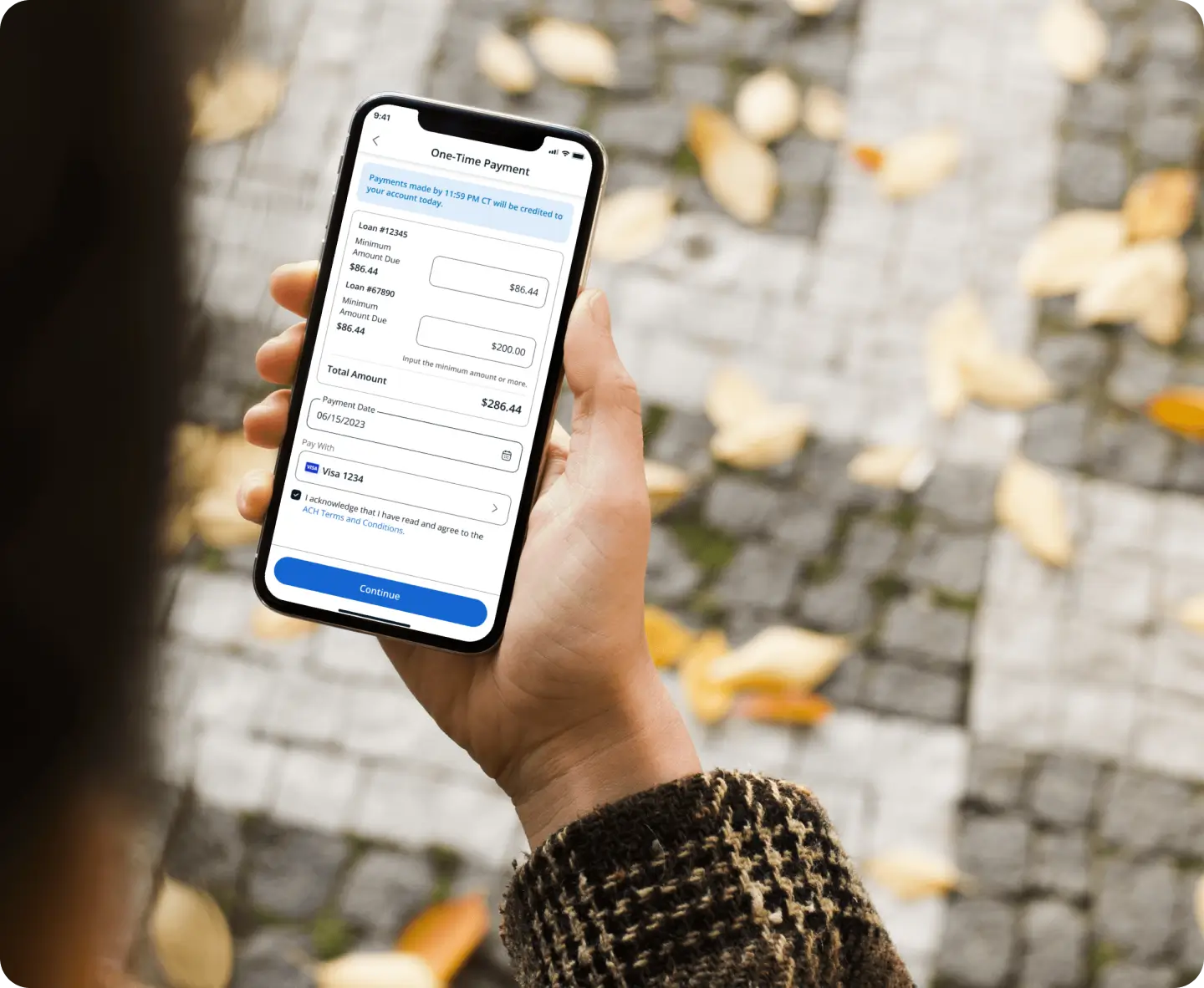
We’ve worked hard to make managing your loan simple and stress-free. With easy tools to stay on top of payments, set up autopay, and track your balance, we’re here to help you make smart financial decisions and set yourself up for success.
toll-free Monday – Friday 7 a.m. – 5 p.m. (PST)
Start making payments today in your secure Ascent account
Paying your Ascent loan is simple and secure! You have a few convenient options:
Absolutely! You can set up automatic payments through your payments portal in your Ascent account or the AscentConnect app – and when you do, you’ll get a discount on your Annual Percentage Rate (APR)!* Plus, you’ll never have to worry about missing a payment.
See Automatic Payment Discount Terms & Conditions.
You can change your payment amounts and update your billing information by logging in to the AscentConnect mobile app. Once you’re logged in, navigate to the Loans tab. From there, you can update your payment methods, manage one-time payments, and sign up for autopay.
If you don’t see your existing loans in the AscentConnect mobile app, you can check if you see your loan(s) in your secure Ascent account.
If you’re still experiencing issues, please call 877-216-0876 toll-free Monday – Friday 7 a.m. – 5 p.m. (PST).
Launch Servicing, a leading loan servicing company, is Ascent’s trusted partner and is responsible for sending statements, helping with setting up your automatic payments to receive a discount, processing payments, helping you apply for cosigner release, updating your repayment plan (if you have a college loan and elect the Progressive Repayment option or apply for deferment or forbearance if you are having trouble making payments), and providing general account guidance.
All loans applied for on or after 6/10/2019 are serviced by Launch Servicing.
Yes! You can still make payments on Launch's portal if that works best for you, or you can make payments through your Ascent account. Just log in to the AscentConnect app or your Ascent account to access your repayment information. No extra accounts, no hassle.
It's easy to make payments on your Ascent loan.
Checking your rate will not impact your credit score.

For students seeking their undergraduate or graduate degree from a university or college.

For students attending a coding career training school pursuing a degree in technology, professional training, or licensure training.